Menu
Inscription / Connexion

Les membres de la meute avancent plus vite.
🐺 Rejoindre la meuteDéjà membre ? Connectez-vous

Disponibilité: 286 en stock
Impossible de charger la disponibilité du service de retrait


Application: Desktop,Laptop,Number,Tablet
Battery Included: Yes
Bluetooth mouse: wireless mouse
Brand Name: ONEVAN
Certification: CE
Drop Shipping / Wholesale: Support
Fit equipment 1: Android and Apple and so on
Fit equipment 11: Notebook computer
Fit equipment 2: Xiaomi tablet Series
Fit equipment 3: Samsung tablet Series
Fit equipment 4: Huawei tablet Series
Fit equipment 5: Lenovo tablet series
Fit equipment 6: Microsoft tablet series
Fit equipment 7: iPad iPad Mini iPad AIr iPad Pro
Fit equipment 8: Increase Capacity
Fit equipment 9: Waterproof and Dustproof
Full Size keyboard: No
High-concerned chemical: None
Interface Type: USB,Bluetooth,Bluetooth / USB
Keyboard Standard: Mini Keyboard
Keycup printing: Dye-sublimation
Language: Russian,Korean,French,Hebrew,English
Language version 1: Russian Version
Language version 2: Spanish edition
Language version 3: Korean version
Language version 4: English version
Language version 5: French language
Language version 6: Arabic language
Operation Style: MEMBRANE
Origin: Mainland China
Style: Standard,Ergonomics,Mini
Type: Bluetooth Wireless
Wrist Support: No
bluetooth keyboard: wireless keyboard
silent keyboard: Quiet keyboard
style: partysu,simple
type: ERGONOMIC Game Mini Multimedia Russian Version SLIM Standard Wireless
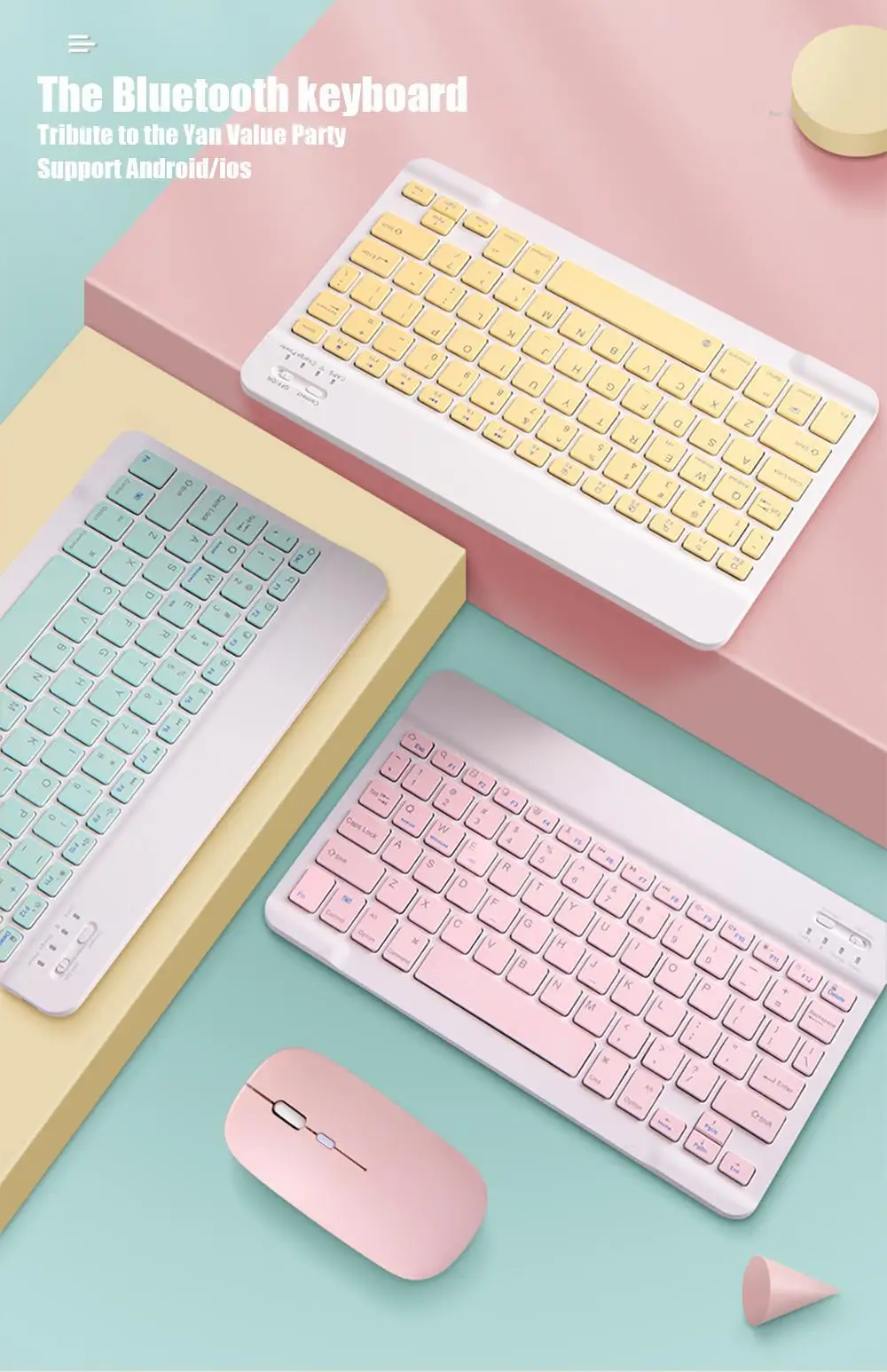
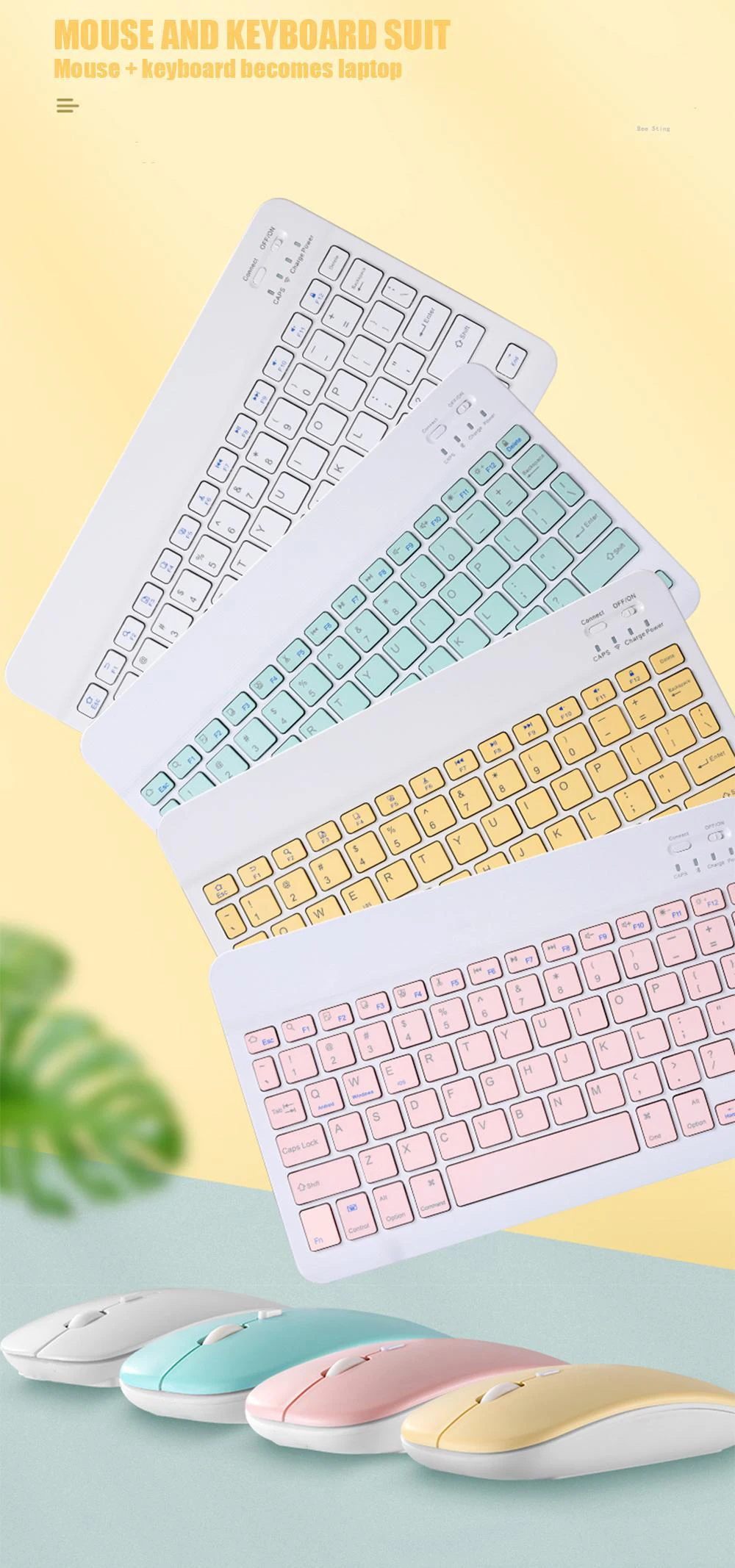
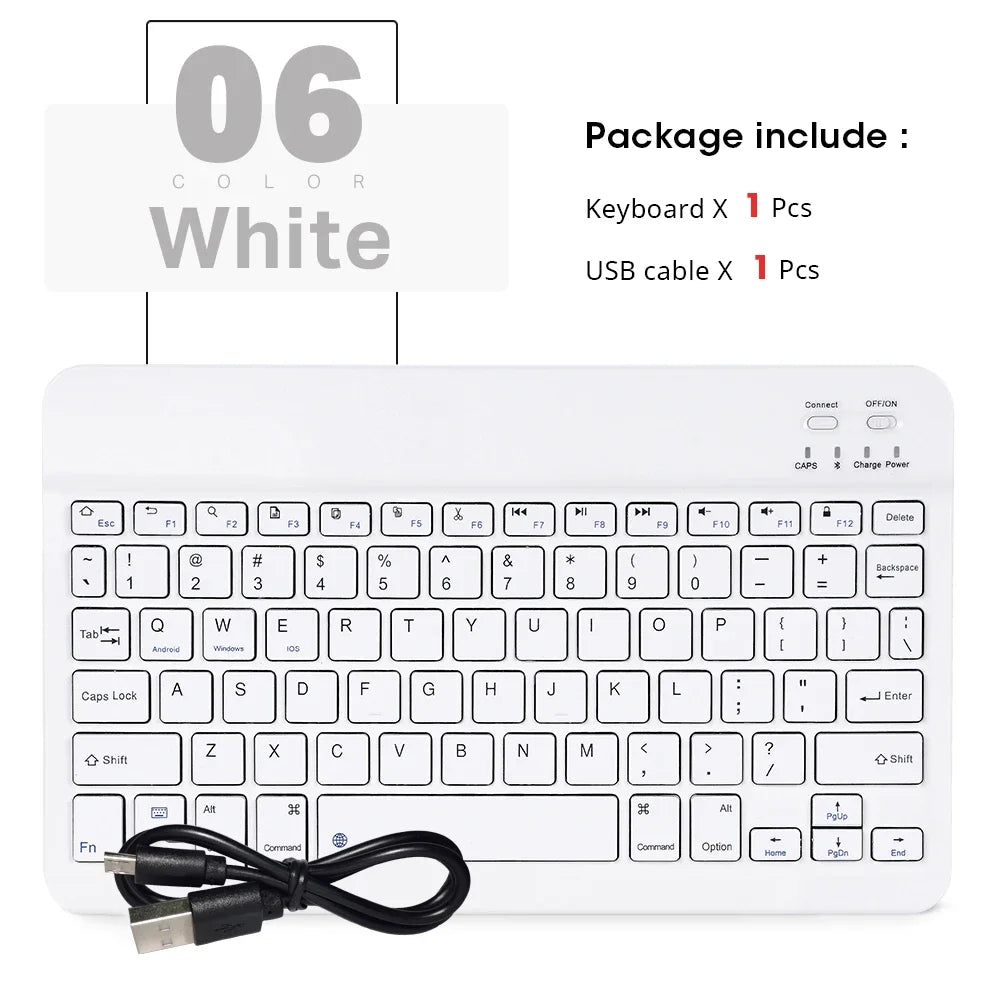
Please note: Only by purchasing a keyboard color set can you have a mouse. Please check before purchasing
Question: How to change the language on your phone or tablet?

Product features:
1.BROAD COMPAYIBILITY :
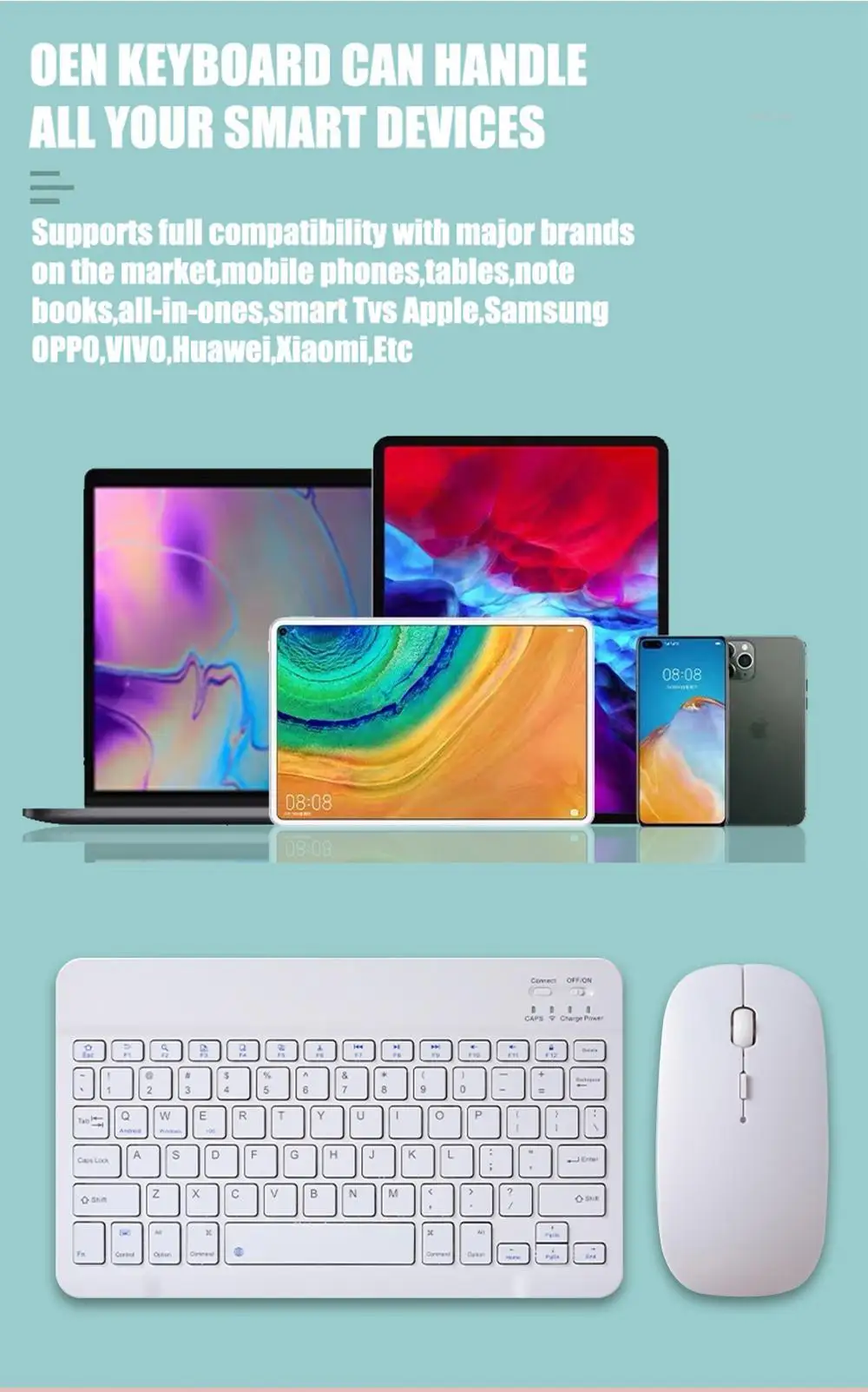
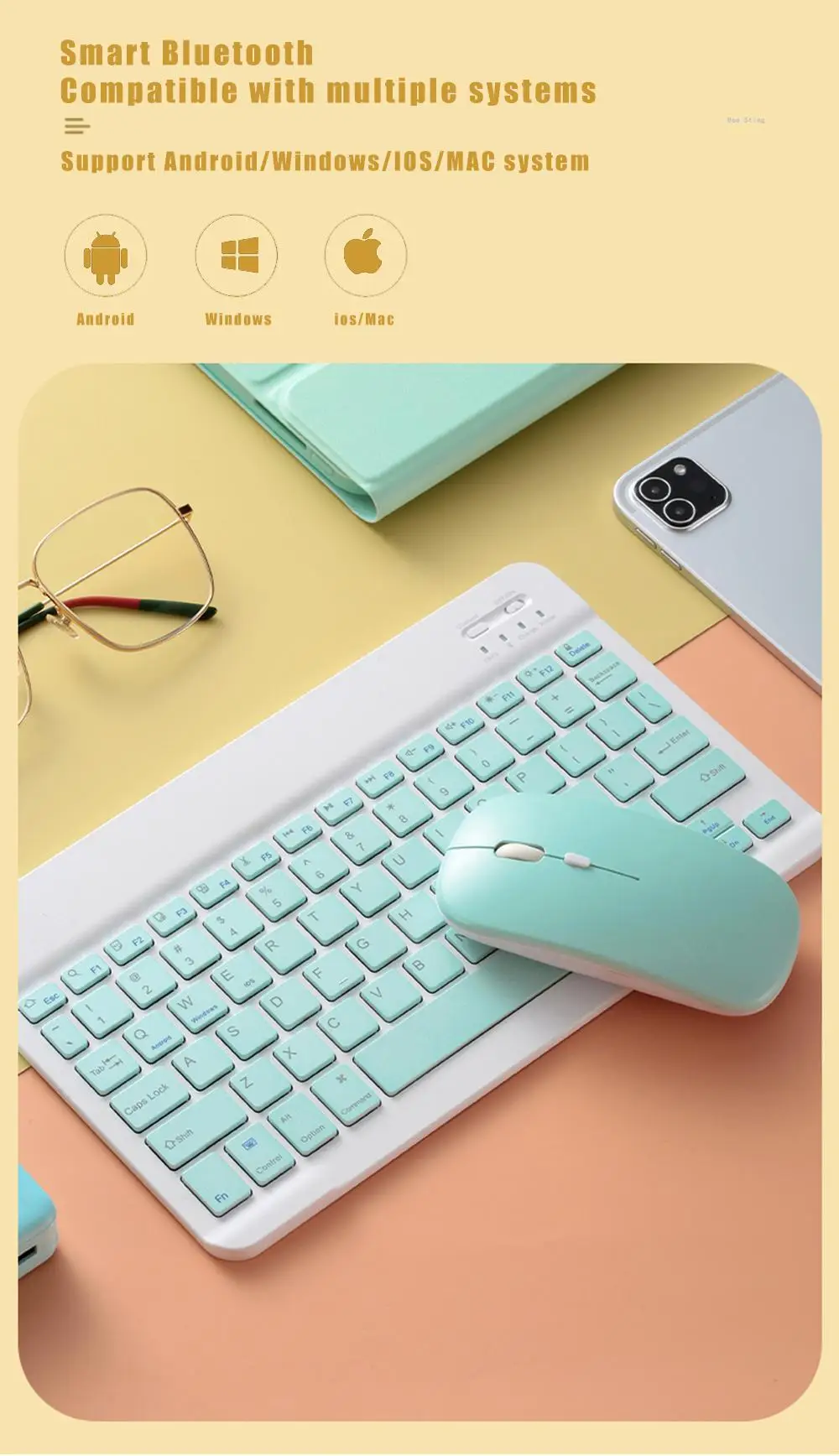
Use with all four major operating systems supporting Bluetooth (iOS, Android, Mac OS and Windows) ,Compatible with iPads, iPhones and Bluetooth-enabled Tablets, Laptops, and Mobile Phones, such as iPad air , iPad mini, iPad Pro, iPhone Xs Max etc.(Devices without Bluetooth need to buy a Bluetooth receiver by themselves)
2.ULTRA-SLIM,LIGHTWEIGHT & PORTABLE:
This lightweight Bluetooth keyboard is designed for anyone who needs a portable capable keyboard for work or play and especially suitable for business travel.
3.RECHARGEABLE AND AUTO SLEEP MODE:
The universal wireless bluetooth keyboard uses built-in lithium battery, can be easily recharged through USB cable, no need to change the battery. The Built-in Rechargeable battery is incredibly long-lasting, standby time is about 6 months between charges. The bluetooth wireless keyboard can automatically enter into sleep mode in order to save energy.
4.STABLE CONNECTION:
Advanced Bluetooth technology provides a cable-free connection with an operating range of 10 meters. But for Desktop PC Laptop without bluetooth function, you need to insert a third-party bluetooth adapter (not included) to install bluetooth driver before use.
5.COMFORTABLE and QUIET TYPING:
The whisper-quiet, low-profile keys bring a whole new level of comfort to your fingertips. Besides, keep all your most-used functions and media controls closer than ever Windows-dedicated hot keys.
How to connect?
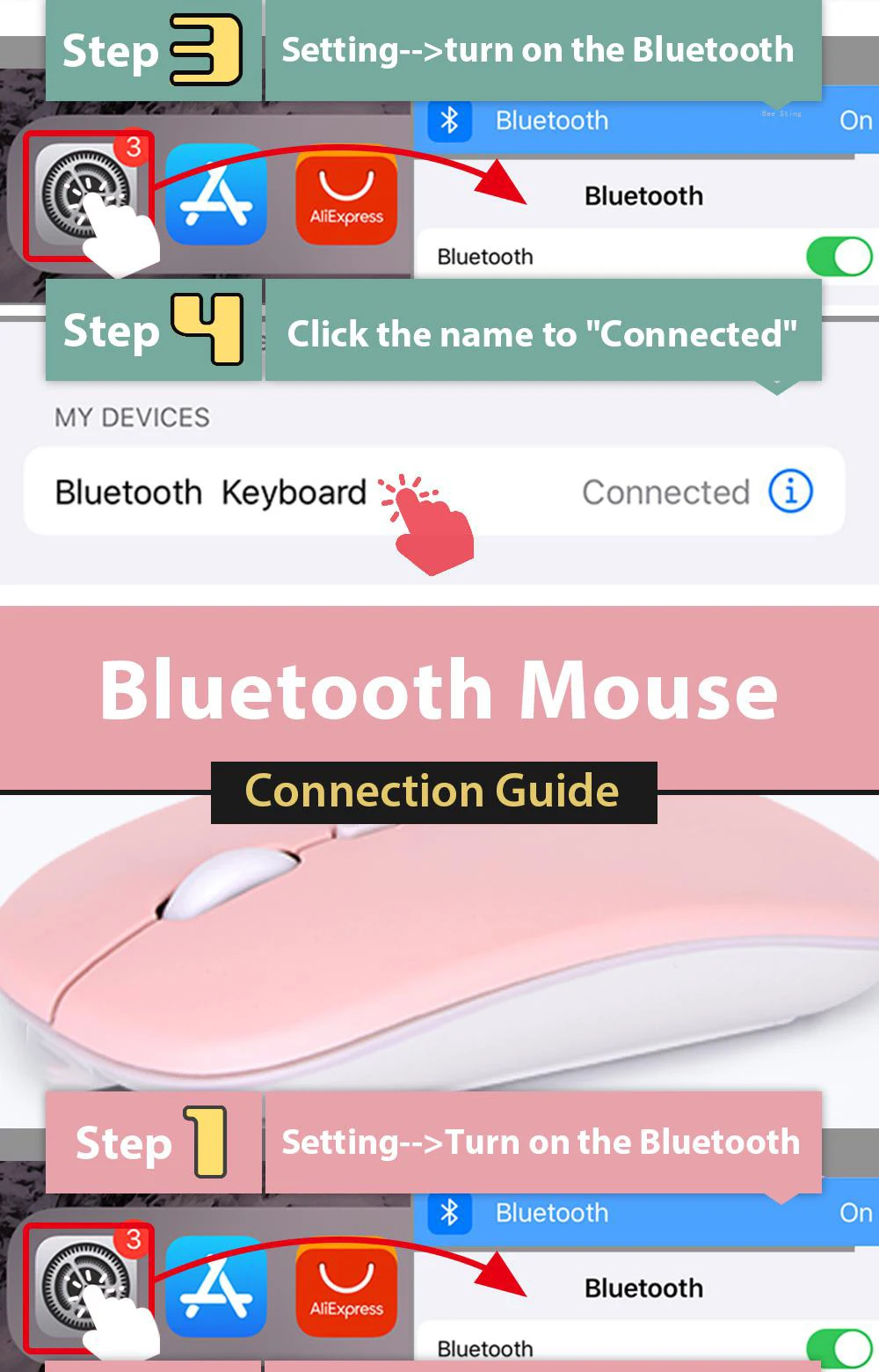
Bluetooth keyboard connection method:
7''/10'' keyboard connection :
1.Turn on the "on" button in the keyboard
2.Press and hold the "connection" key on the keyboard for 2 seconds
3. Turn on the Bluetooth device you need to connect to
4.Find "Bluetooth 3.0 keyboard" in "my device" and click "connected"
Mouse connection modes:
Bluetooth connection mode: open the 'on' button in the mouse, then open the Bluetooth device to be connected, find 'BT mouse' in 'my device', and then click 'connected'.
NoteThisproduct does not have backlight function. If you need it, there is a keyboard with backlight function in the store