Menu
Inscription / Connexion

Les membres de la meute avancent plus vite.
🐺 Rejoindre la meuteDéjà membre ? Connectez-vous

Disponibilité: Stock bas : 1 restant(s)
Impossible de charger la disponibilité du service de retrait


Application: Desktop,Laptop
Backlight Type: MULTICOLOR
Battery Included: No
Brand Name: FUYUMY
Certification: CE,FCC,RoHS
Choice: yes
Full Size keyboard: Yes
High-concerned chemical: None
Interface Type: USB
Keyboard Standard: 104 Keys
Keycup material: Abs plastic
Language: Russian,Hebrew,English
Operation Style: MEMBRANE
Origin: Mainland China
Package: Yes
Style: Standard,Ergonomics,Multimedia,Gaming
Type: Wired
Wrist Support: No
semi_Choice: yes
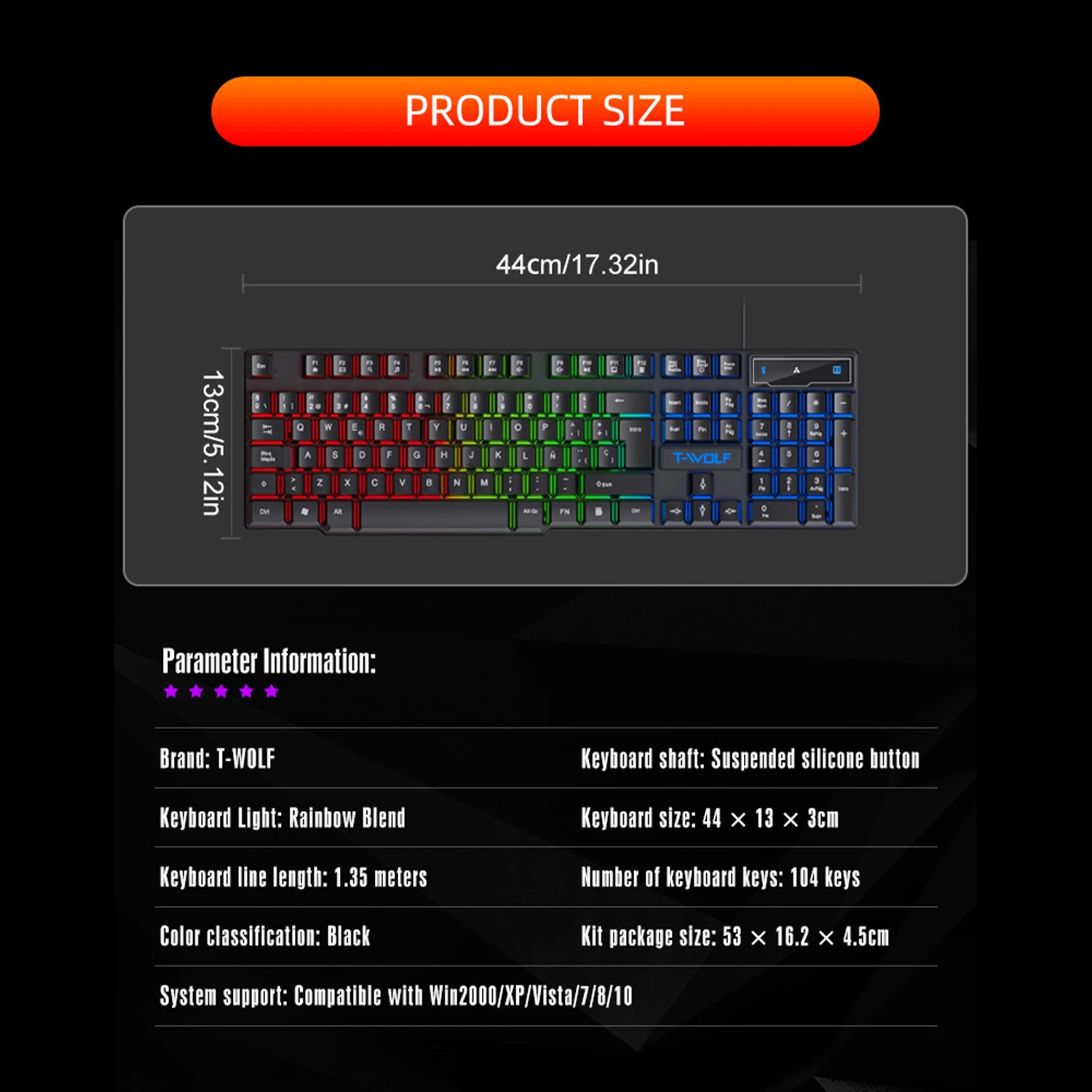
Keys: 104 keys
Key Structure: Suspended silicone keycap
Backlight Effect: Rainbow mixed color backlight
Product Dimensions: 44 × 13 × 3 cm (17.32 × 5.12 × 1.18 in)
Package Dimensions: 53 × 16.2 × 4.5 cm
Cable Length: 1.35 meters
Color: Black
System Compatibility: Windows 2000/XP/Vista/7/8/10
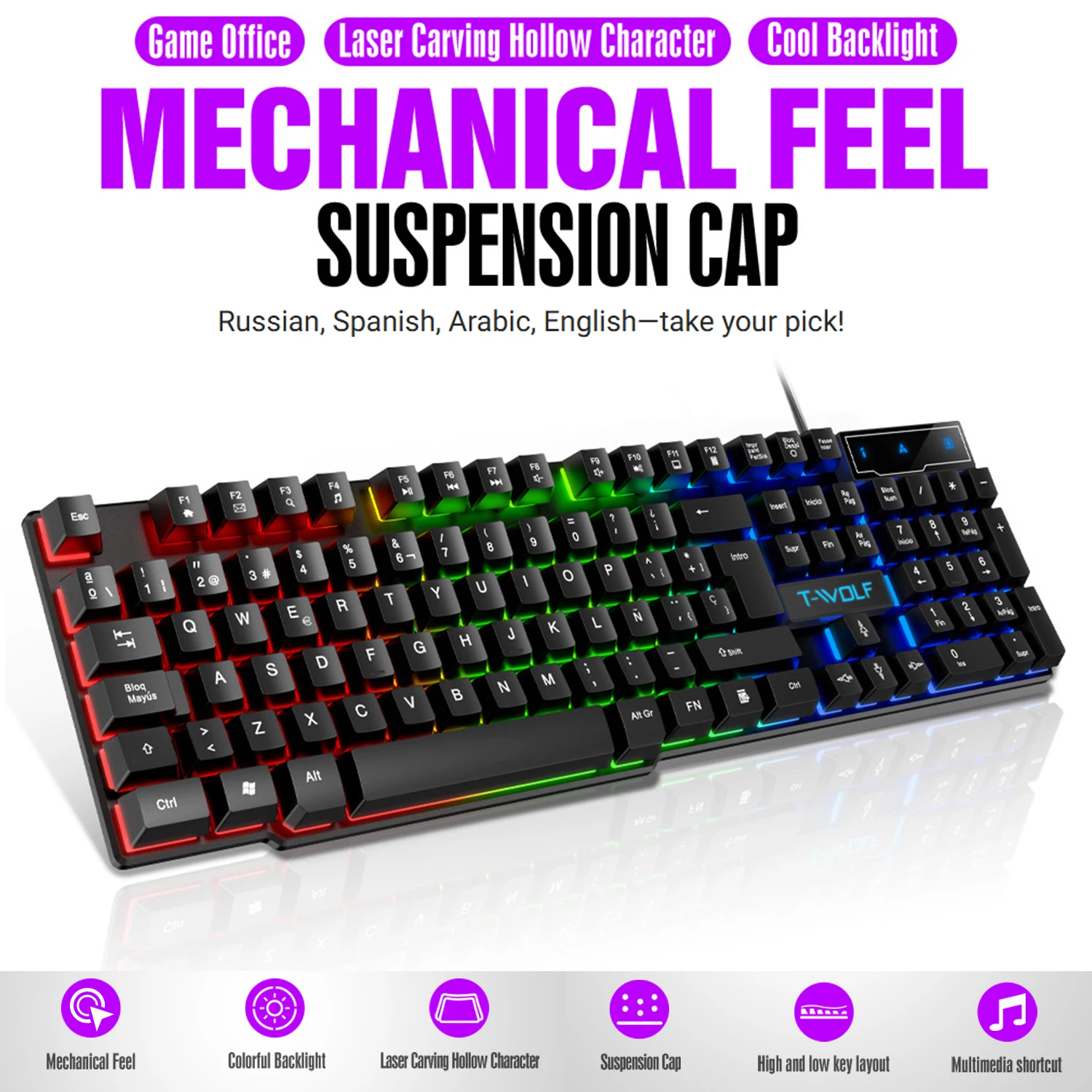
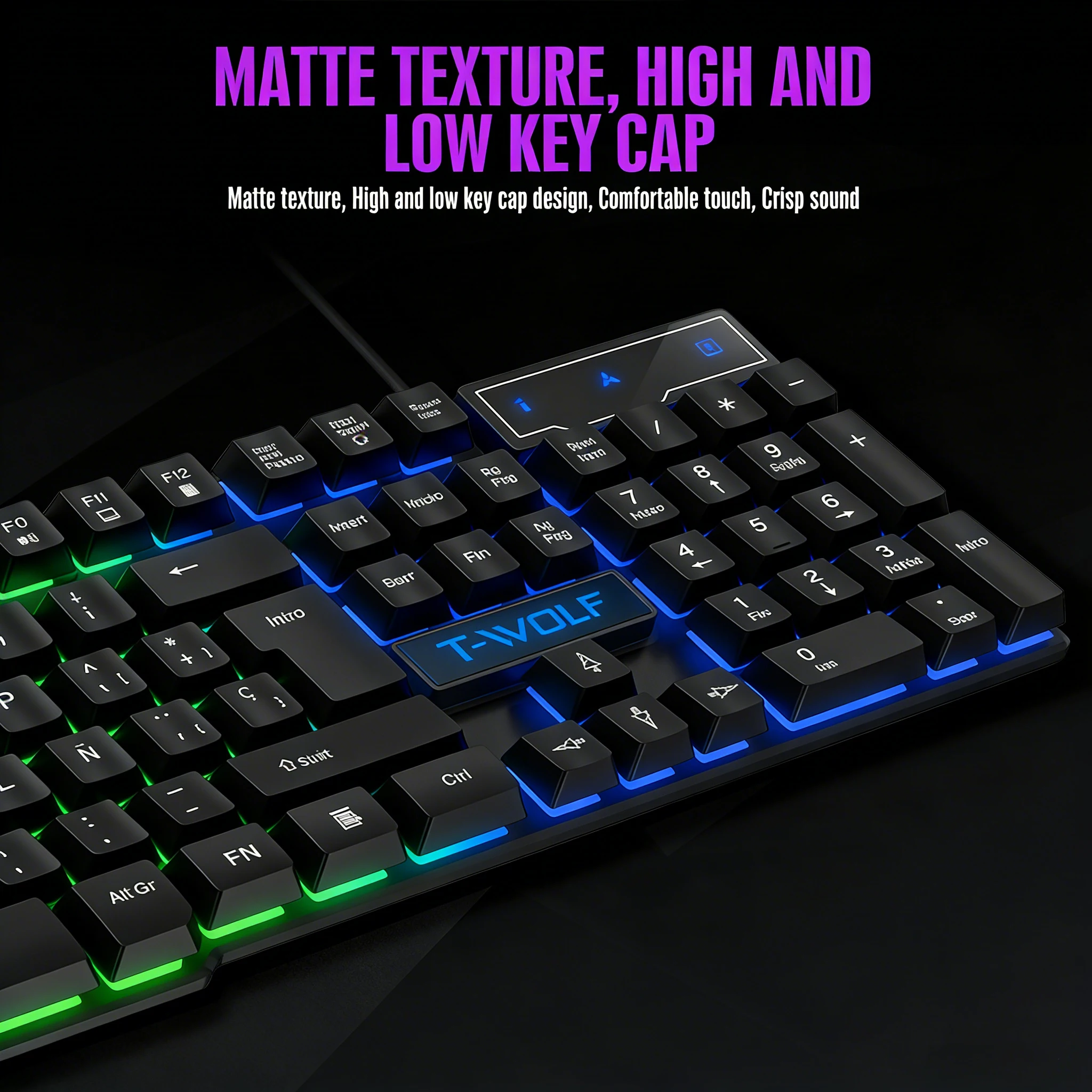
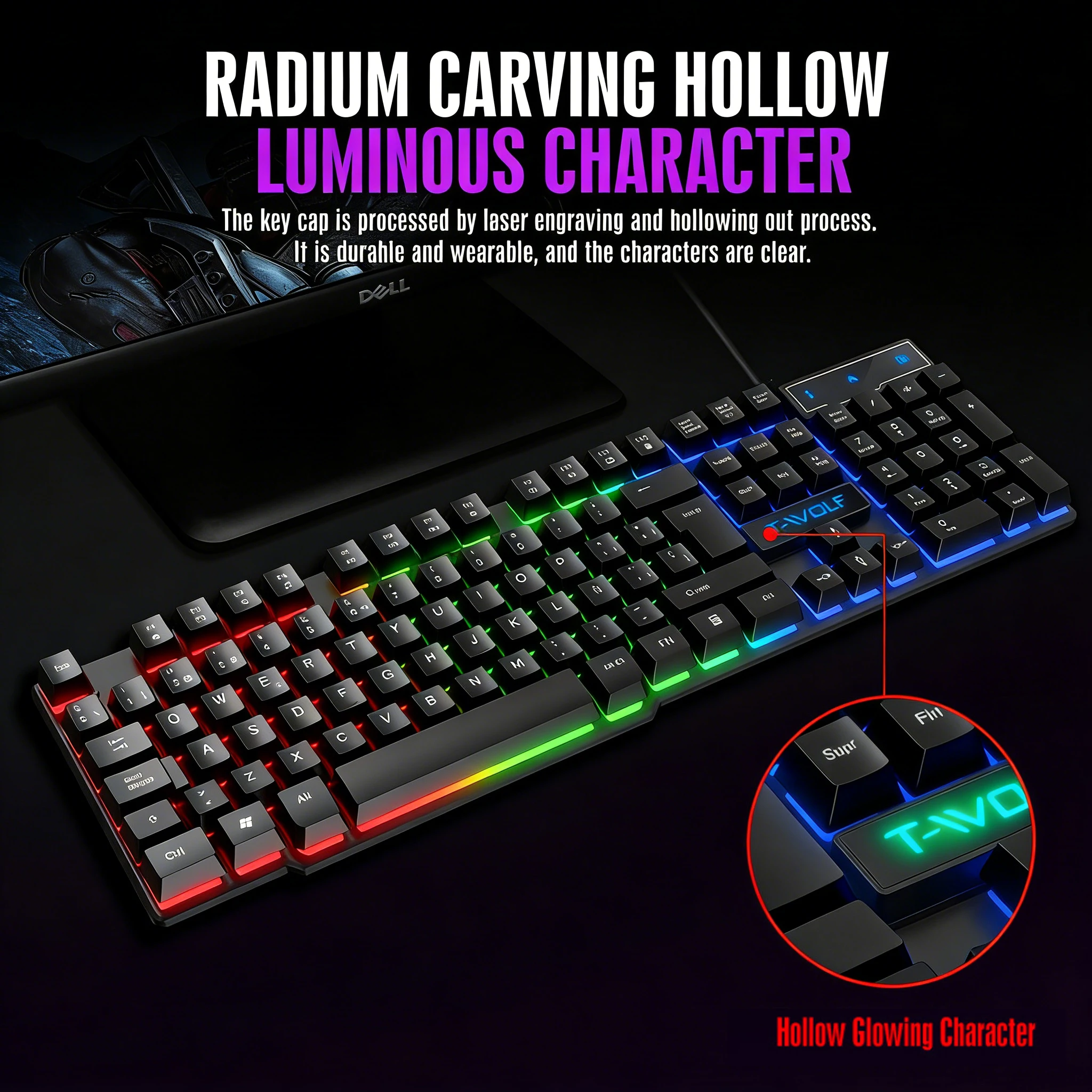
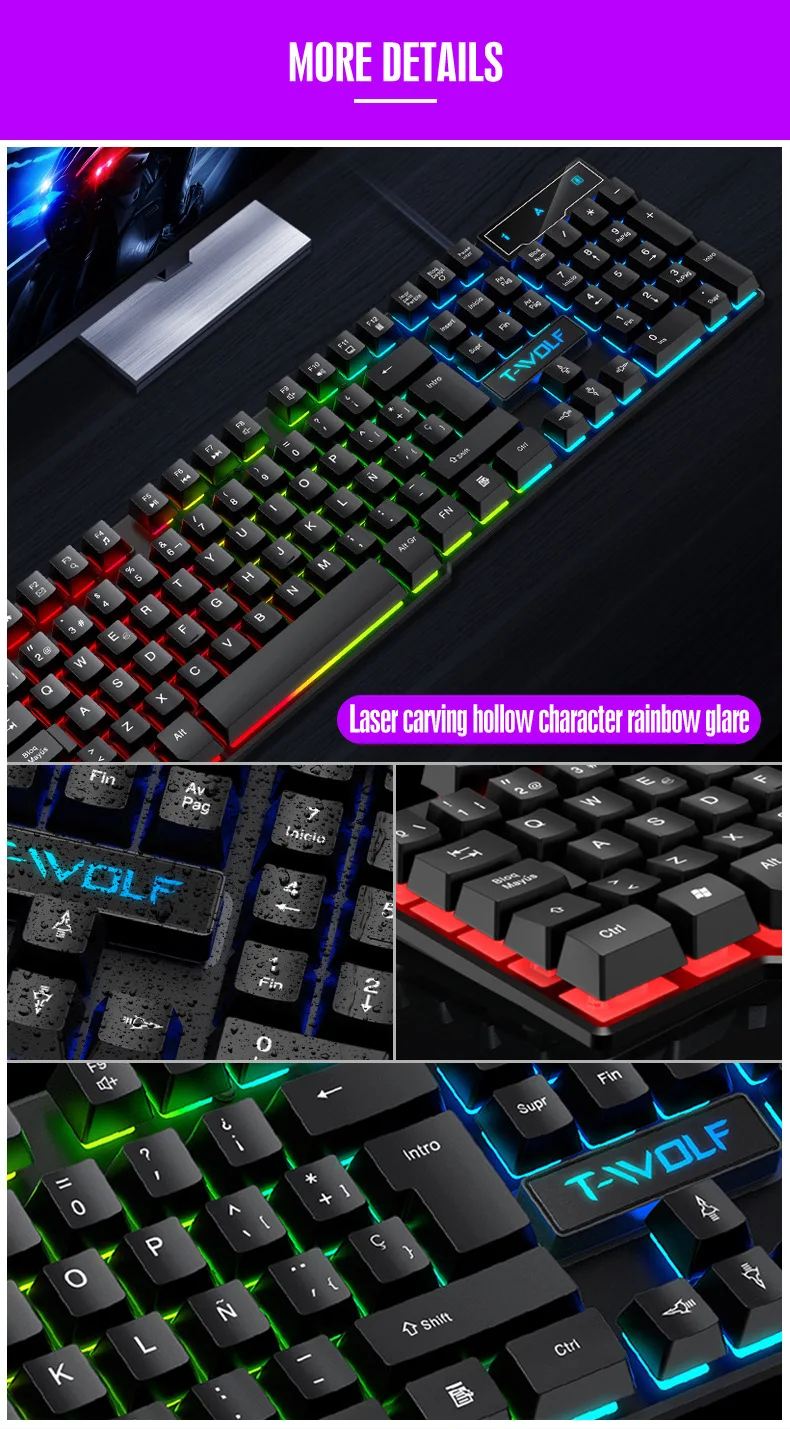
Laser-Carved Hollow Characters: Keycaps are processed with laser engraving and hollowing, ensuring clear, wear-resistant characters and uniform light transmission.
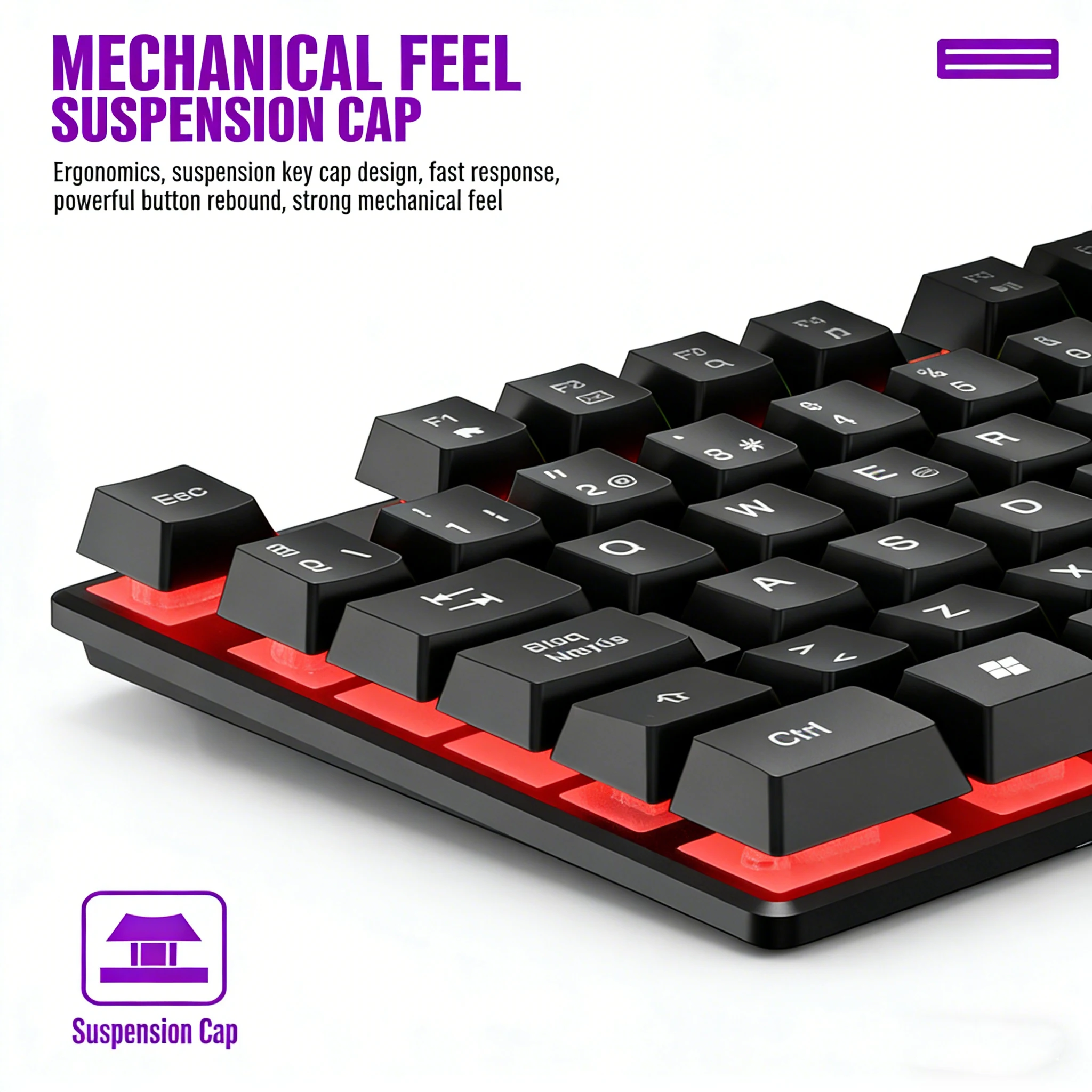
Mechanical Feel Suspension Keycaps: Ergonomic suspended keycap design provides fast response, strong button rebound, and a tactile feel close to a mechanical keyboard.
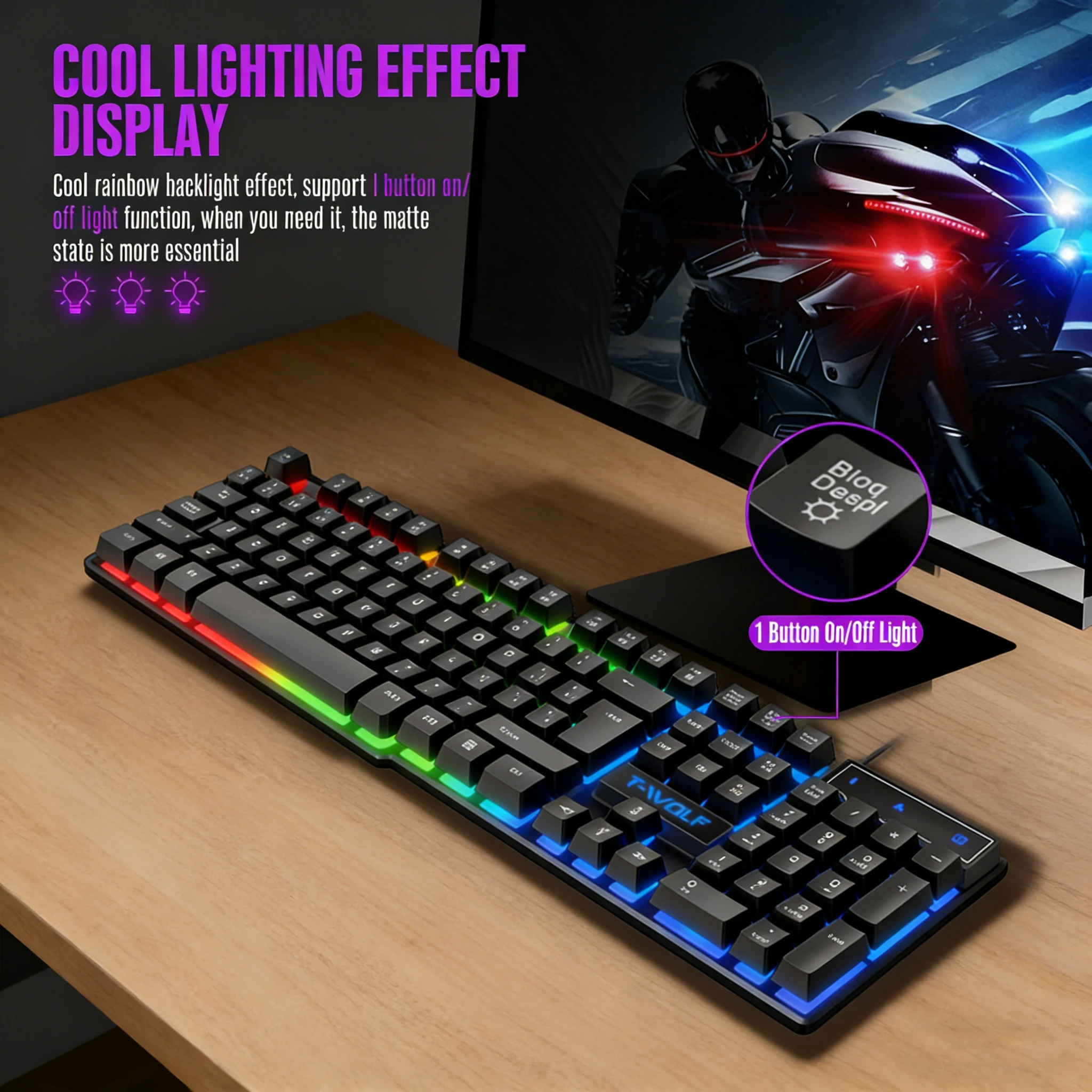
Rainbow Gradient Backlight: Built-in colorful rainbow backlight creates a vibrant desktop atmosphere, enhancing visual experience in gaming and office use.
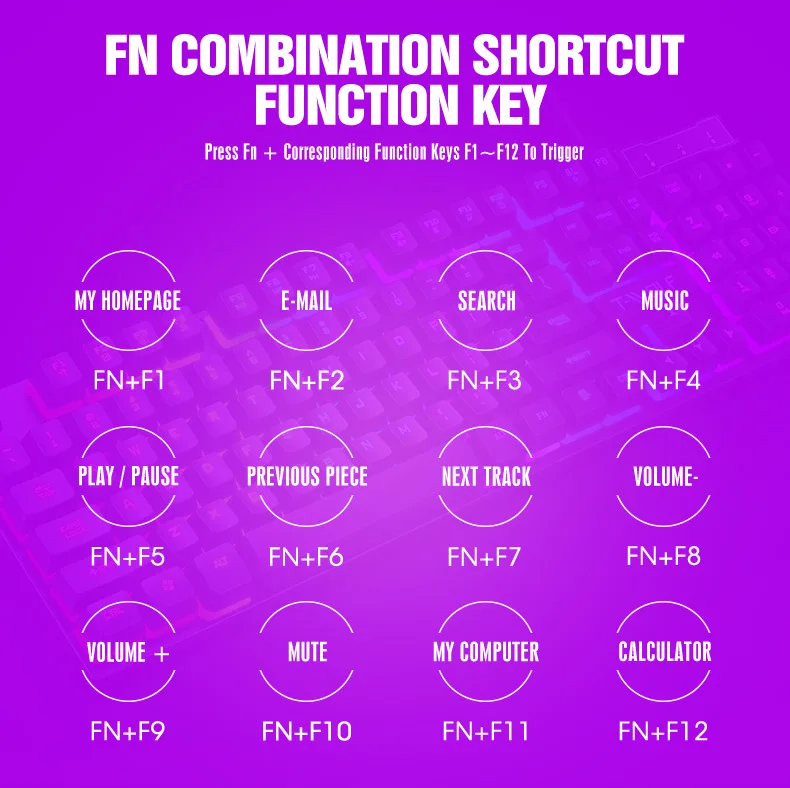
Multimedia Shortcut Keys: Integrated multimedia function keys allow quick control of volume, play/pause, and other media operations.
Ergonomic High-Low Key Layout: Step-shaped key layout fits the natural curve of fingers, reducing fatigue during long typing sessions.
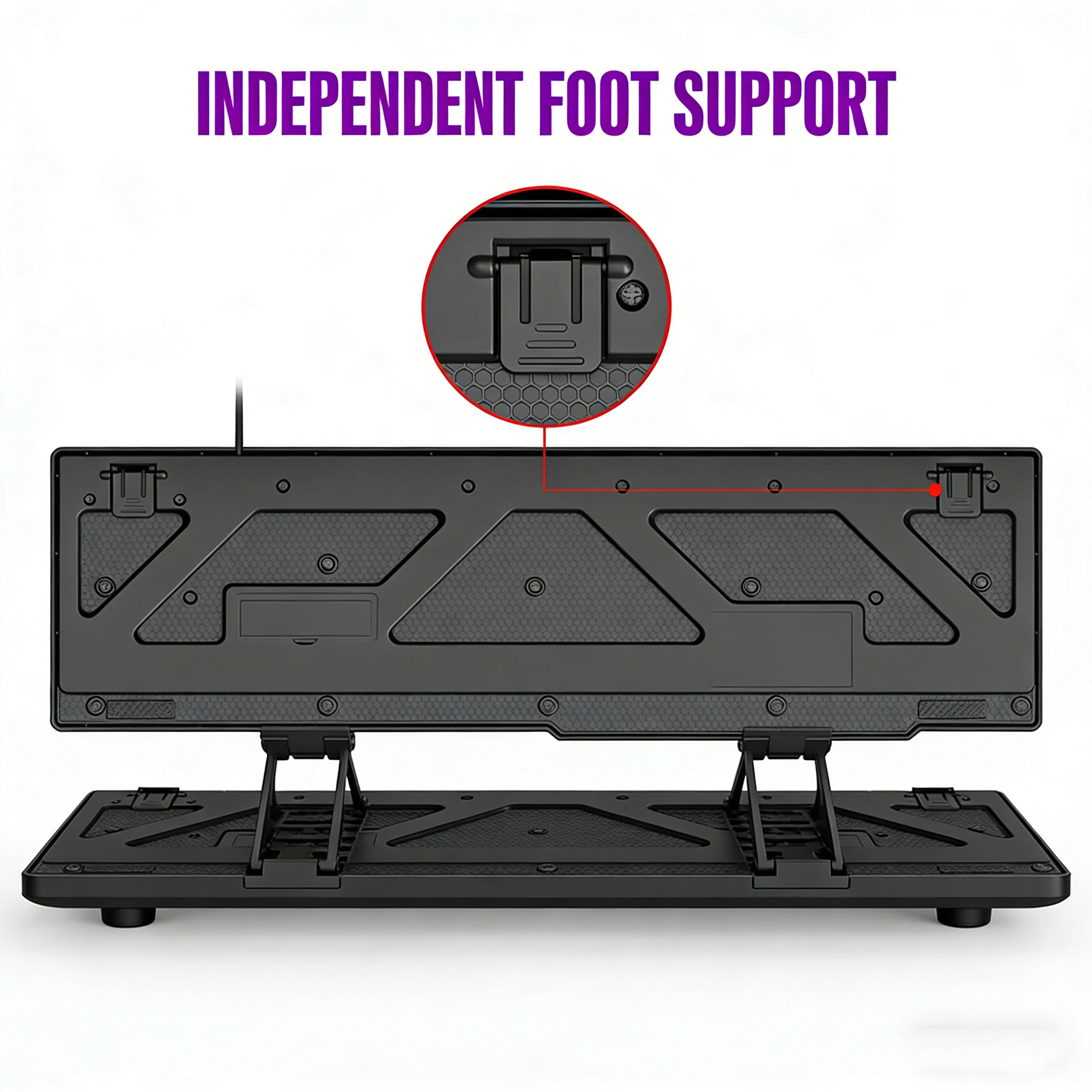
Adjustable Rear Stand: Independent foldable foot supports on the back enable adjustable typing angles to suit different user preferences.
Connection: Plug the USB cable into your computer’s USB port. The system will automatically recognize and install the driver without additional software.
Backlight Adjustment: Use the designated shortcut keys to switch backlight modes and adjust brightness.
Angle Adjustment: Flip up the two rear foot supports to elevate the keyboard for a more comfortable typing angle; fold them down when not in use.
Multimedia Control: Press the corresponding multimedia shortcut keys to quickly manage music and video playback (e.g., volume adjustment, play/pause, track skipping).
Do not spill any liquid onto the keyboard to avoid short-circuiting internal components.
Disconnect the power supply before cleaning. Wipe the keycaps with a dry, soft cloth; avoid using corrosive cleaning agents.
Do not excessively bend or pull the USB cable to prevent wire breakage.
Keep the keyboard away from high temperatures, humidity, and strong magnetic fields to extend its service life.
If key failure or backlight abnormalities occur, first check the USB connection. If the problem persists, contact after-sales support.
This product is covered under the standard manufacturer’s warranty.
Damage caused by human factors (e.g., liquid immersion, dropping, improper use) is not covered by the warranty.
For after-sales inquiries or support, please contact your point of purchase.